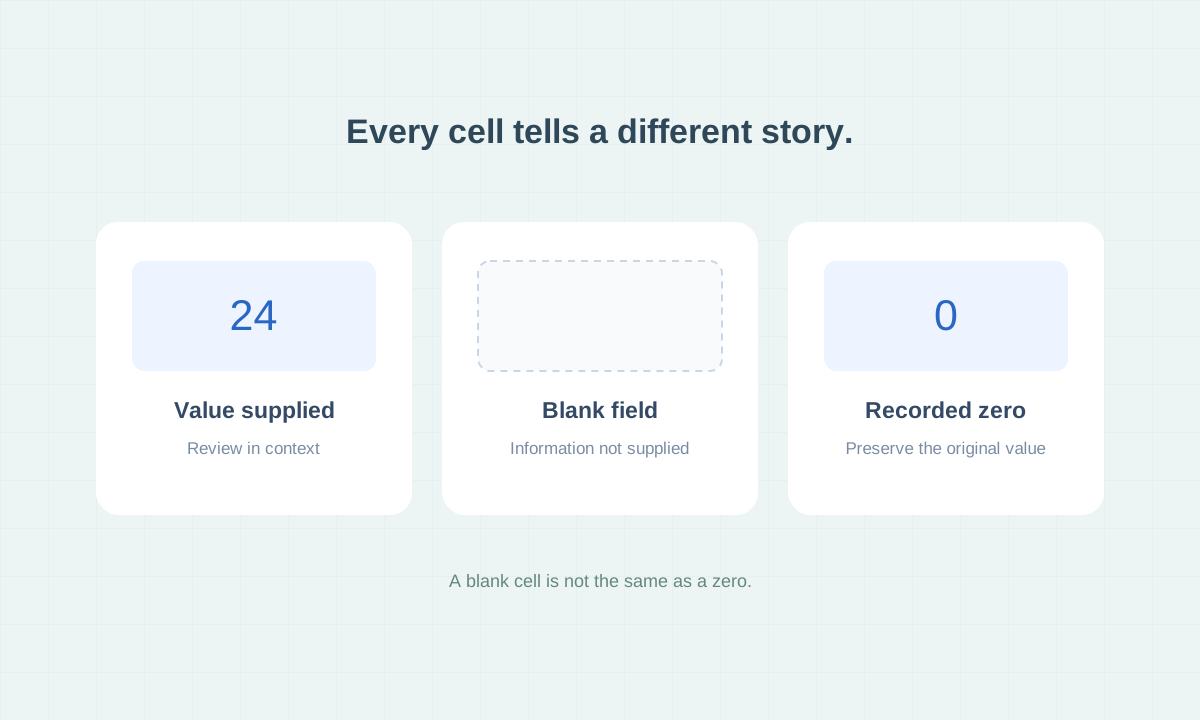
A blank means information was not supplied. A zero is a recorded value. Neither should be interpreted beyond what its field and source support.
A Column Is Not a Promise of a Value
Our sample files contain 58 columns covering business details, contact information, online presence, technology, and search metrics. A column provides a place for information when it is available; it does not mean every business has a populated value.
Public source coverage varies. A record may include an address and website while lacking a named contact or email address. Judge the usefulness of the record against the research you need to do.
Treat Blanks and Zeros Differently
A blank means information was not supplied for that field in the file. It should not be treated as proof that the business has no employees, no revenue, or no online activity.
A zero is a recorded value. We preserve it as supplied rather than silently turning it into a blank. Its meaning still depends on the field and source, so verify it when it affects a decision.
“Not supplied” represents a blank cell.
That label helps you read the preview. The downloadable CSV preserves the original blank and other original values.
Read Estimates in Context
Estimated revenue and search visibility metrics can provide context for research. They are not guaranteed measurements of a business’s finances or performance.
For example, the Semrush keyword traffic field is a search related metric. It is not verified total website visits. Similarly, an employee count does not establish purchasing power or the size of the premises a business occupies.
Understand How Samples Were Selected
The 50 records in each downloadable sample were selected for stronger field coverage, with attention to the fields used in the example scenarios. They are not a random sample or a promise of typical completeness.
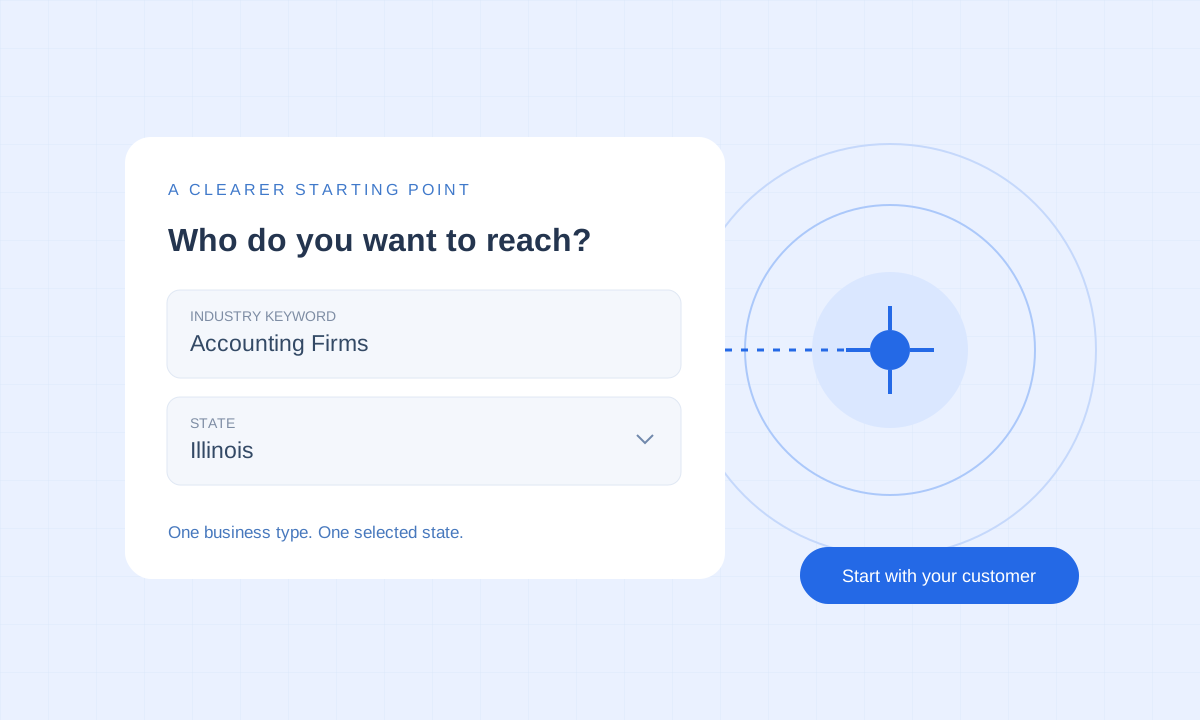
The samples come from city area searches. Paid orders research an accepted industry keyword throughout one selected state. Sample size does not predict the number of results in your order.
Decide What You Need to Verify
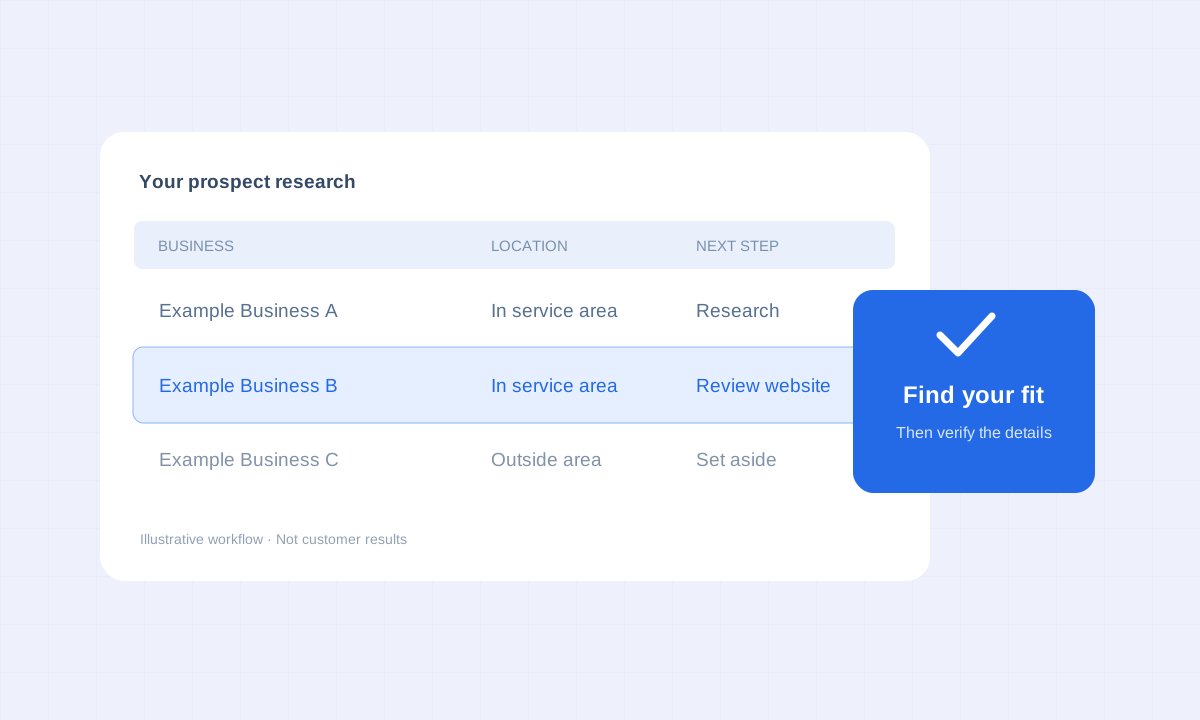
Start with the fields that matter to your intended use. If location determines whether you can serve a company, verify the service address. If your offer depends on specific equipment or staffing, confirm those details directly.
Missing information is a reason for further research. Keeping that distinction clear helps you use the available data without drawing conclusions the file cannot support.
Explore a Real Sample.
See the available fields, browse 50 selected records, and download a CSV to examine for yourself.
Explore Sample Lists ↗